
MCP Server vs API vs Plugin: What Should You Build?
A practical framework for deciding whether a developer tool needs an MCP server, a direct API integration, or a traditional plugin.
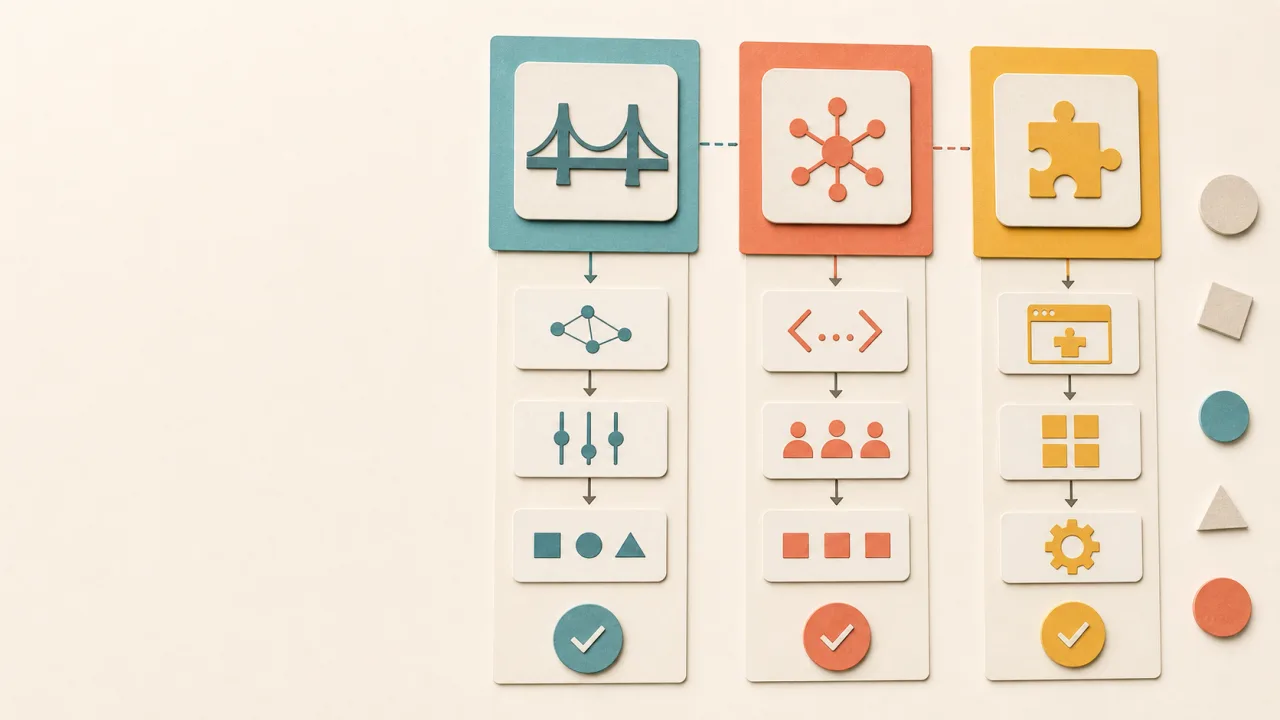
Not every integration should be an MCP server.
That may sound odd coming from a site that builds MCP tools, but it is the first useful decision to make. MCP is a good fit for some boundaries. APIs and plugins are better for others.
The integration shape is a product and architecture decision. You are choosing who owns the workflow, where the policy lives, and how much context the tool should expose.
Start With The Job
Before picking MCP, API, or plugin, describe the job in plain terms.
For example:
- "Let an assistant read selected project files."
- "Let a web app create invoices."
- "Add commands inside an IDE."
- "Let a desktop client search package metadata."
- "Expose a safe draft-publishing workflow."
These jobs are different, and they should not automatically get the same integration shape.
If the job is for an AI client to discover and call capabilities during a task, MCP deserves a serious look. If the job is for an application to perform business operations against a backend, an API is often cleaner. If the job needs deep UI hooks inside a host product, a plugin may be the right boundary.
When To Build An MCP Server
Build an MCP server when the main consumer is an AI client or agent.
MCP works well when the client needs a list of tools, structured tool descriptions, resources, and predictable inputs. It is especially useful when the user wants to connect one tool to several AI surfaces without rewriting the integration each time.
Good MCP server use cases include:
- Local project memory.
- IDE bridge tools.
- Filesystem access with explicit boundaries.
- Documentation lookup.
- Package or registry metadata search.
- Controlled browser automation.
- Draft creation through a narrow publishing bridge.
- Internal tools that need to be callable by AI clients.
Keep the exposed workflow controlled. An MCP server should offer the operations you want the assistant to perform and leave out the rest of what the underlying system can do.
When A Direct API Is Better
Use an API when the main consumer is a product, backend, app, or service.
APIs are better for durable business contracts: accounts, billing, content storage, analytics, permissions, and transactional workflows. They are usually where authentication, rate limits, audit logs, and data ownership belong.
If a mobile app, dashboard, admin panel, and scheduled job all need the same operation, make that operation a real API. Do not hide core product behavior inside an MCP server.
MCP can still sit on top of the API, and that pattern is common:
AI client
  |
  v
MCP server
  |
  v
Product API
  |
  v
Database and policy
The API keeps ownership of durable data and policy. The MCP server becomes a task-oriented adapter.
When A Plugin Is Better
Use a plugin when the integration needs to live inside a host application.
IDE extensions, browser extensions, design tool plugins, CMS plugins, and editor integrations often need direct access to UI events, commands, panels, selections, or host-specific APIs. MCP is not a replacement for that.
For example, an IDE plugin may own:
- Command palette entries.
- Sidebar UI.
- File decorations.
- Diagnostics.
- Terminal access.
- Editor selections.
- Host authentication.
An MCP server can then expose a subset of that plugin's capabilities to external clients.
This gives you two layers:
Plugin: owns host-specific behavior
MCP server: exposes selected capabilities to AI clients
That is usually cleaner than forcing the MCP server to pretend it is the IDE.
A Simple Decision Table
Use this rough rule:
| If you need... | Prefer... |
|---|---|
| AI clients to discover tools | MCP server |
| Product systems to share business operations | API |
| Deep integration inside a host app | Plugin |
| AI access to a product API | MCP wrapper over API |
| AI access to IDE capabilities | Plugin plus MCP bridge |
| Human UI and settings | Plugin or web app |
| Durable auth and policy | API |
The hard cases are usually hybrids, which is normal, since most useful systems are layered.
Common Architecture Patterns
MCP Only
Use this for small local tools where the MCP server directly owns the capability.
Example: a local documentation index, project memory, or a read-only workspace resource server.
API Plus MCP
Use this when your backend owns data and policy.
Example: a content API handles drafts and publishing rules. The MCP server validates assistant inputs and calls the API.
Plugin Plus MCP
Use this when the host application owns the important context.
Example: an IDE plugin exposes file, diagnostic, or terminal capabilities. A bridge keeps an AI client connected to the live plugin server.
Plugin Plus API Plus MCP
Use this only when the product really needs all three.
Example: an IDE plugin provides local UI, an API stores team state, and MCP lets AI clients participate in bounded workflows.
Do not start here unless the boundaries are already clear.
The Boundary Test
A good integration has an obvious boundary.
Ask these questions:
- Who owns the data?
- Who enforces permission?
- Who logs the action?
- Who can call it without a human watching?
- What is the worst operation exposed?
- Does the user understand what has been connected?
If the answer is vague, the integration shape is not ready.
You still need product architecture when you use MCP. MCP makes the boundary visible to AI clients, which is useful but also makes sloppy boundaries more obvious.
A Practical Default
For tools in this category, this conservative pattern leads to smaller, clearer integrations:
- Keep product state behind the system that owns it.
- Use MCP for assistant-facing workflows.
- Keep local project context local unless sharing is intentional.
- Avoid broad shell or database access as a default.
- Use plugins when the host environment matters.
An MCP server fits when the assistant needs a task interface, an API fits when the product needs a durable contract, and a plugin fits when the host app is the real surface. Keep those responsibilities separate.