
Local-First AI Collaboration: Multi-Agent Coordination with n2n-nexus
How n2n-nexus coordinates multiple AI assistants and IDEs with local project context, tasks, and a shared message stream.
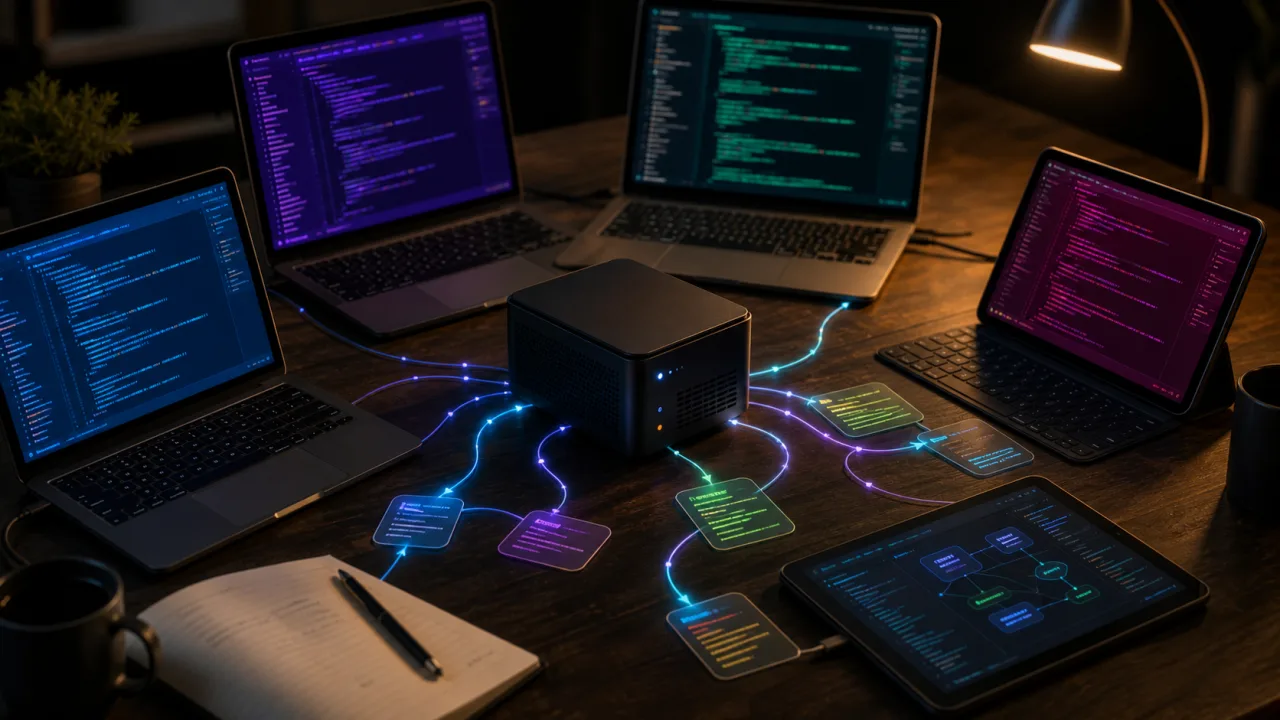
Many developers use more than one AI tool. You might use Cursor to edit code, Claude Desktop to think through architecture, and Claude Code in your terminal to debug tests.
These tools usually do not share state. Your Cursor agent may not know what your terminal assistant just fixed, which can lead to duplicate work, context drift, and messy git history.
n2n-nexus is a local-first coordination hub for that kind of multi-agent workflow. It runs one daemon that many assistants connect to, so they all work from shared project state. (Source: n2n-nexus README)
The Daemon-Adapter Architecture
To prevent agents from stepping on each other's toes, n2n-nexus splits tasks into two components: a central coordinator and stateless editors.
┌──────────────────────────────────────┐
│          n2n-nexus daemon            │
│  Standalone HTTP server · always on  │
│  Owns data, tools, tasks, messages   │
└──────────────┬───────────────────────┘
               │ HTTP (NEXUS_ENDPOINT)
       ┌───────┼───────┐
       ▼       ▼       ▼
     MCP-A   MCP-B   MCP-C
    (Win)   (WSL)   (SSH/VM)
   Stateless adapter per IDE
(Source: n2n-nexus README - Architecture)
The daemon is a local HTTP server that runs in the background. It owns the database, records session history, manages shared documentation files, and tracks async tasks. The adapters are lightweight, stateless MCP clients in your IDEs that forward all agent actions to the daemon.
Because the system uses standard HTTP, it can handle cross-environment setups. Your Windows editor, WSL environment, and remote SSH servers can all point to the same daemon URL.
21 Tools for Collaboration
The daemon exposes 21 tools to keep your agents aligned:
| Category | Purpose |
|---|---|
| Session & Topology | Declares your active project and maps dependencies. |
| Projects & Assets | Manages configuration files, metadata, and assets. |
| Global Docs | Syncs architecture blueprints and strategy files. |
| Messaging & Meetings | Logs discussions, decisions, and meeting transcripts. |
| Tasks | Spawns and monitors long-running background tasks. |
| Maintenance | Cleans up system logs and deletes legacy projects. |
(Source: n2n-nexus README - Toolset)
Everything is stored locally on your machine (under ~/.n2n-nexus/ by default). The system uses prefix-based project IDs, such as web_main or api_auth, to keep things organized.
Multi-Agent Collaboration in Action
Each AI assistant first registers its scope with register_session_context, which locks in its read/write permissions. Agents then flag their messages by type:
PROPOSALfor architecture suggestions.DECISIONto document finished plans.UPDATEfor build notifications.
Messages also help with cross-IDE debugging. When your front-end agent hits an API error, it posts an update. The backend agent in your terminal sees the message, fixes the config, and replies, so the two can work through the issue asynchronously without sharing one long chat transcript.
The daemon also records events as [Augment] entries, tracking file syncs and meeting resolutions automatically.
(Source: n2n-nexus README - Real-world example)
Quick Start
Start the daemon on your machine:
npx n2n-nexus daemon --port 5688
Then configure your MCP client to connect to it:
{
  "mcpServers": {
    "n2n-nexus": {
      "command": "npx",
      "args": ["-y", "n2n-nexus", "mcp"],
      "env": {
        "NEXUS_ENDPOINT": "http://127.0.0.1:5688"
      }
    }
  }
}
(Source: n2n-nexus README - Quick Start)
Keep Shared State Local
When several assistants touch the same project, they need a shared place for context, tasks, and decisions. n2n-nexus keeps that coordination local instead of pushing every working note into a hosted service.
Visit the n2n-nexus GitHub repository to view the full docs.