
Project-Local Memory: Preventing Context Pollution in AI-Assisted Coding
How project-local knowledge graphs reduce cross-project context pollution and keep agent memory tied to the repository that needs it.
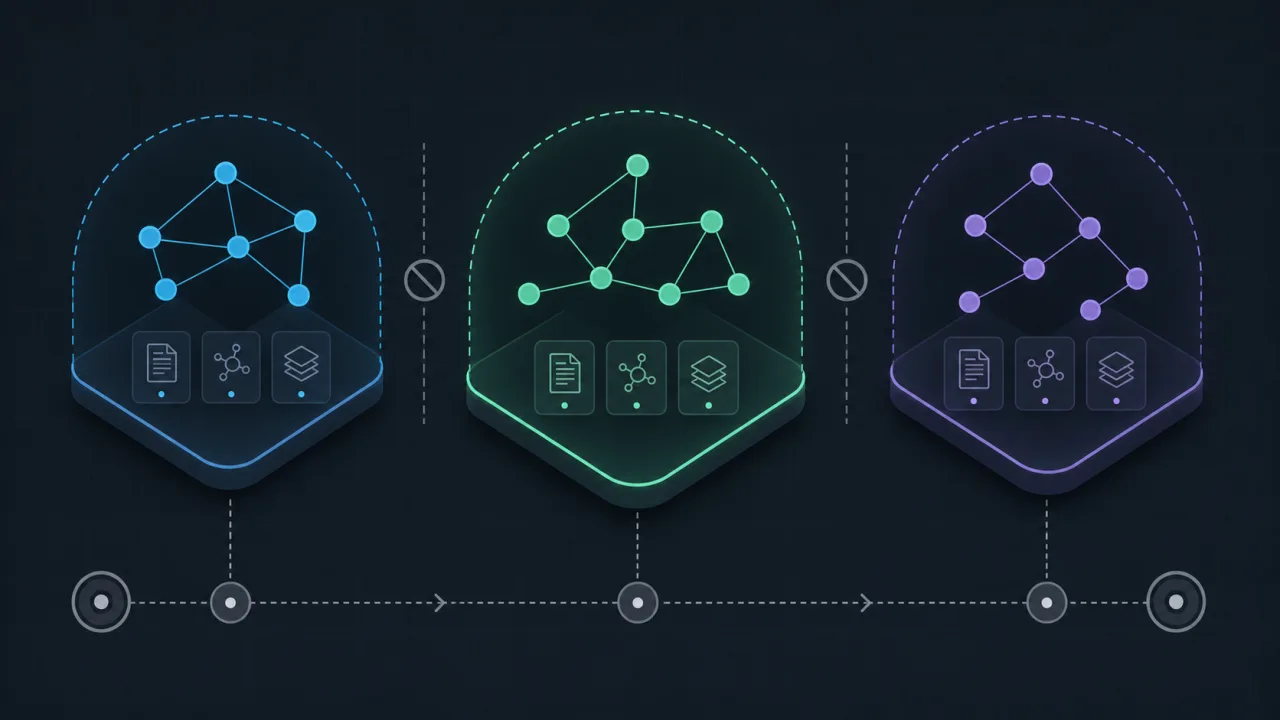
AI coding assistants are useful, but their memory model can become a problem when context crosses workspace boundaries.
If you use Cursor, VS Code, or Claude Desktop, you've probably noticed they carry a global memory. You teach the AI a specific API pattern for Project A. Then you switch to Project B, and it tries to force that same pattern where it doesn't belong. In sensitive projects, private project details or credentials can also appear in the wrong workspace if the memory boundary is not clear. That is context pollution.
n2n-memory addresses this with a local-first Model Context Protocol (MCP) server designed to isolate your AI's memory per project. Its README frames the approach as treating context as code and memory as an asset. (Source: n2n-memory README)
The Messy Reality of Global AI Memory
Most AI assistants store your preferences in one giant, centralized profile. As a result, the assistant suggests database schemas or APIs from a totally different repository.
During a long chat session, you can accidentally leak proprietary logic into public files. And because memory lives on your machine, your teammates don't benefit from what the AI learned.
A better pattern is to treat memory like source code: versionable, shareable, and isolated by project.
How n2n-memory Isolates Context
n2n-memory saves everything in a hidden .mcp/ directory inside your target repository.
<project-root>/
└── .mcp/
    ├── memory.json    # Durable knowledge graph (commit to share)
    └── context.json   # Active task context (gitignored by default)
(Source: n2n-memory README - Storage Layout)
1. Durable Knowledge Graph (memory.json)
This file tracks coding standards, custom utility files, and architectural decisions. Because it is structured JSON, you can commit it to Git. Now, when a teammate clones the repo, their AI assistant can read the project guidelines from the same place as the code. That reduces repeated onboarding work.
2. Active Task Context (context.json)
This is for the messy, transient stuff, like a temporary debugging trace or active refactoring steps. Add this file to your .gitignore. It keeps your commit history clean while preserving your immediate workflow state between sessions.
The Handshake: Preventing Directory Clutter
AI agents are notorious for creating folders wherever they want. To stop this, n2n-memory uses a strict handshake protocol:
- If the AI queries a folder without
.mcp/, the server returnsAWAITING_CONFIRMATIONand thedetectedRoot. - The AI must call the tool again with
confirmNewProjectRootmatching that path to initialize. - The server rejects folders that lack standard markers like
.gitorpackage.json, so it will not clutter your home directory.
(Source: n2n-memory README - Usage Guide & Security Notes)
Wire It Up
Running n2n-memory takes less than a minute.
Claude Desktop
Add it to your claude_desktop_config.json:
{
  "mcpServers": {
    "n2n-memory": {
      "command": "npx",
      "args": ["-y", "n2n-memory"]
    }
  }
}
Cursor or VS Code
Add a new MCP server in your settings:
- Name:
n2n-memory - Type:
command - Command:
npx -y n2n-memory
Once connected, your AI assistant will use tools like n2n_add_entities to store observations as it reads your files.
Keep Memory Near The Code
AI tools should adapt to the codebase they are working in. By keeping memory project-local, n2n-memory reduces cross-project leakage and makes shared project context easier to review.
Check out the n2n-memory GitHub repository to get started.