
What Is an MCP Server? Meaning, Examples, and Architecture
A clear guide to MCP servers: what they mean, how they work, common examples, and why the architecture matters for AI tools.
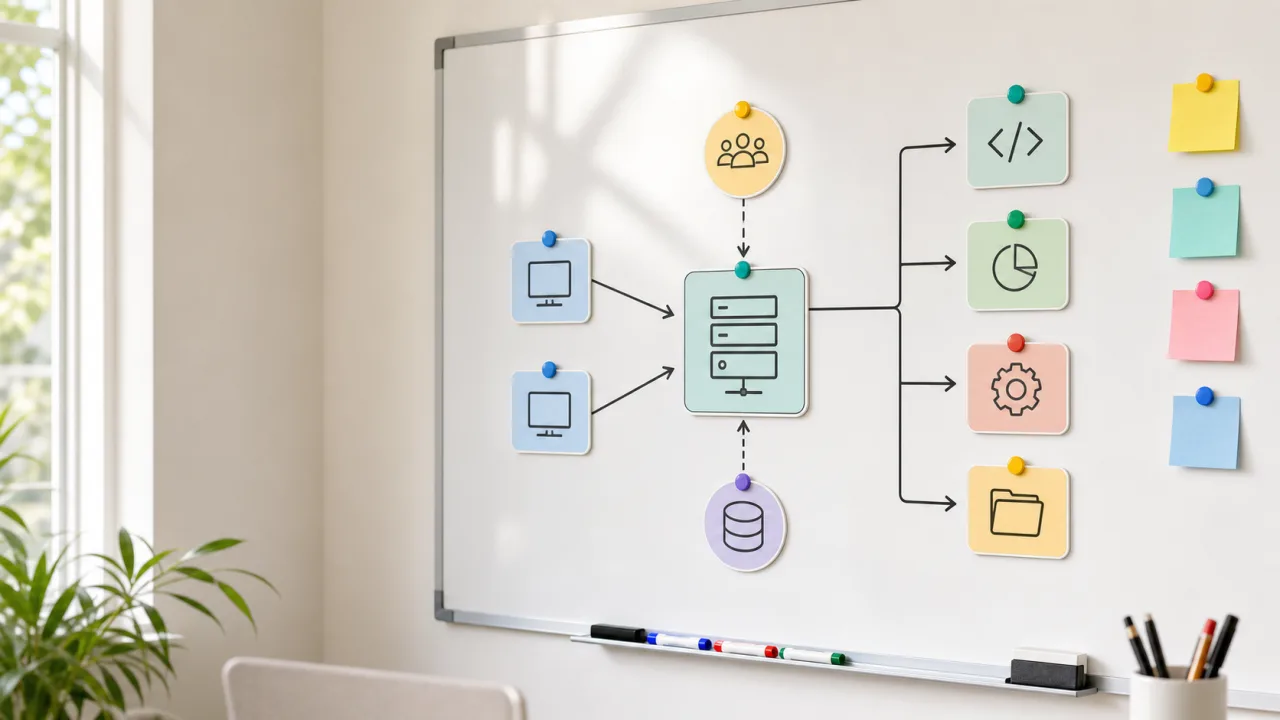
An MCP server is a bridge between an AI assistant and the tools, data, or workflows it needs to use.
MCP stands for Model Context Protocol. It gives AI applications a standard way to discover and call external capabilities without every app inventing a custom integration format.
That matters because AI tools become useful when they can do more than generate text: inspect files, query systems, read documentation, run safe operations, and return structured results.
MCP Server Meaning
An MCP server is a service that speaks the Model Context Protocol and publishes a set of capabilities to an MCP client. It is usually not a web server in the traditional product sense. The client might be a desktop assistant, an IDE extension, a command-line coding tool, or another agent runtime.
The server can expose different kinds of context:
- Tools: callable actions such as search, fetch, summarize, list files, or create drafts.
- Resources: readable data such as documents, project files, schemas, or knowledge entries.
- Prompts: reusable task templates that help a client perform a workflow consistently.
At the protocol layer, the client asks what the server can do, the server describes its capabilities, and the client then calls specific tools or reads resources as needed.
Why MCP Servers Exist
Before MCP, every AI integration tended to become a one-off adapter.
One app would define its own plugin shape, another a custom API bridge, while a third would only support local scripts. Tool builders had to keep rewriting the same integration logic for every client.
MCP reduces that duplication. A tool can expose one MCP server instead of building a separate integration for every AI surface. Clients that understand MCP can connect to it and use the capabilities through a shared contract.
This makes the ecosystem easier to reason about:
- AI clients can support many tools with one protocol.
- Tool builders can expose capabilities once.
- Users can swap clients without losing every integration.
- Local-first tools can stay on the machine instead of forcing everything into a cloud API.
Those are conveniences, but the bigger gain is a cleaner boundary.
Basic MCP Server Architecture
A typical local setup has three parts:
AI client
  |
  | MCP transport
  v
MCP server
  |
  | local or remote calls
  v
Tools, files, APIs, databases, or services
The AI client might be Claude Desktop, an IDE assistant, or a coding agent. The MCP server sits between that client and the system being accessed.
A lot of the practical value lives in that middle layer. The server decides what is available and how it is exposed. It can validate inputs, limit actions, return structured errors, and keep dangerous operations out of reach.
Common MCP Server Examples
A filesystem server might expose read-only access to selected project folders. A browser automation server might let an assistant inspect a page or run a controlled test. A documentation server might retrieve current library docs. A publishing server might let an assistant create drafts through a narrow API.
Common categories include:
- Filesystem MCP servers for local file access.
- GitHub MCP servers for issues, pull requests, and repositories.
- Browser or Playwright MCP servers for page inspection and testing.
- Database MCP servers for controlled query workflows.
- Documentation MCP servers for package and API references.
- IDE bridge MCP servers for editor-specific actions.
- Publishing MCP servers for drafting and content workflows.
The best MCP servers have the clearest boundary, whatever their tool count.
Local vs Remote MCP Servers
Some MCP servers run locally. Others run remotely.
Local servers are useful when the assistant needs access to a developer machine, project files, local IDE state, or private workspace context. They keep sensitive context close to the user and avoid unnecessary cloud hops.
Remote servers make sense when the data and policy already live in a hosted service. A hosted project-management API, documentation index, analytics system, or publishing backend may be safer to expose through a remote MCP server than through a local workaround.
Ask where the authority should live:
Where should the authority live?
If the authority is the local project, keep the server local. If the authority is a backend service, put policy and authentication there.
MCP Server vs API
An MCP server often calls APIs, but it is not the same thing as a plain API.
An API is usually built for application developers. It exposes endpoints, authentication rules, and data structures. An MCP server wraps capabilities in a form an AI client can discover and call during a task.
That wrapper can add important behavior:
- It can simplify a large API into a smaller safe toolset.
- It can validate parameters before a request reaches a backend.
- It can describe tools in language the AI client can use.
- It can hide unnecessary backend details.
- It can enforce local or project-specific boundaries.
You can think of an MCP server as a task-oriented interface over tools and data.
What Makes A Good MCP Server
A good MCP server is unremarkable to use. It has clear tools, returns predictable results, rejects unsafe inputs, and documents what each action does, and it does not expose broad system access just because it can.
Good MCP server design usually follows a few rules:
- Keep tools small and specific.
- Make read operations safer than write operations.
- Require explicit intent for destructive actions.
- Return structured errors the client can recover from.
- Avoid leaking secrets or unrelated project context.
- Keep configuration understandable.
- Log enough to debug failures.
The goal is to give an AI assistant power that is useful and bounded.
Where N2NS Fits
Projects such as n2n-memory, n2n-nexus, MCPxHub, and n2n-post2site use MCP for local-first developer workflows.
n2n-memory focuses on project-local memory, and n2n-nexus on multi-agent coordination. MCPxHub keeps local IDE MCP servers reachable without constant port babysitting, while n2n-post2site handles safe content publishing through a narrow bridge.
Those projects are different, but the pattern is the same:
Give the assistant useful context.
Keep the boundary explicit.
Make the workflow repeatable.
In practice, an MCP server is the boundary between an AI client and the tools it is allowed to use.