
Public open-source package
Laravel SaaS Kit
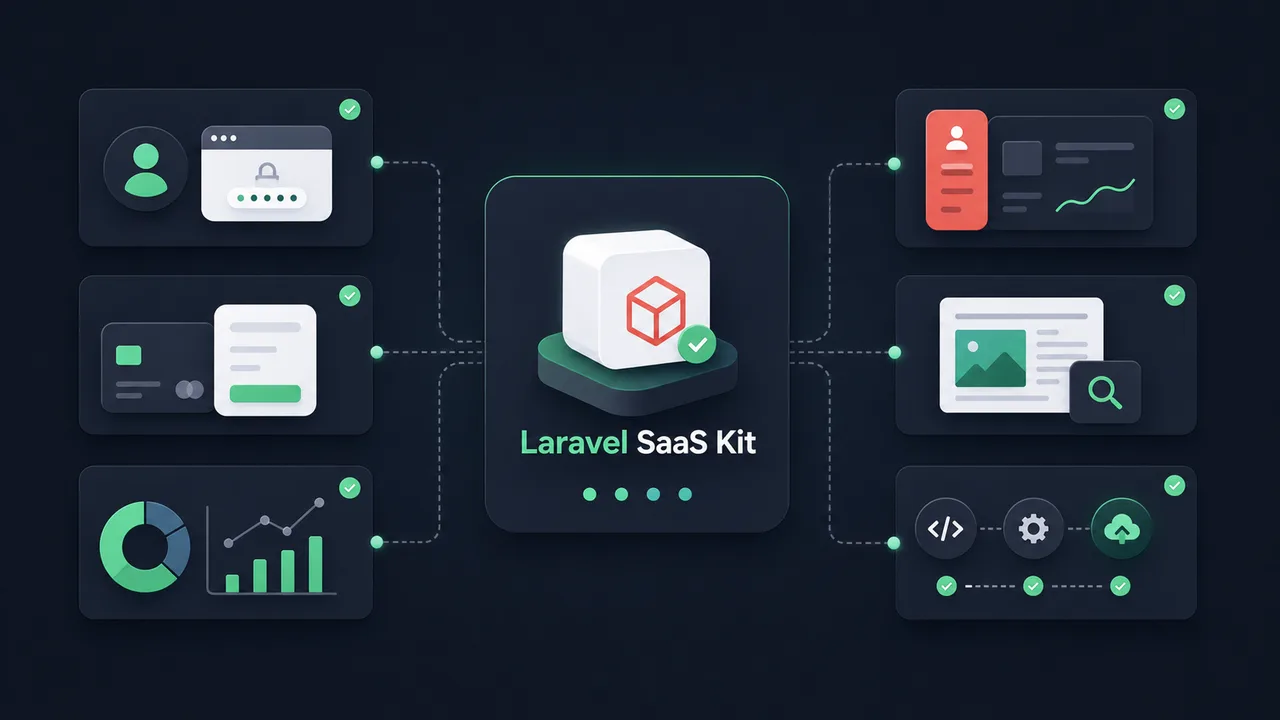
Editable Laravel 12 starter with auth, Stripe billing, Filament admin, analytics, SEO, and deployment wiring.
Developers building SaaS applications and product websites with Laravel.
n2ns/laravel-saas-kitv0.1.0MITLaravelSaaSStripeFilament
Overview
- Laravel starter for SaaS and product websites.
- Includes user sessions, billing, SEO pages, blog content, and admin workspaces.
- Shortens the first build of a new Laravel product.
Common Uses
- Bootstrapping a new commercial SaaS website with billing and admin pre-configured.
- Creating high-performance product landing pages with a built-in guide/blog publishing platform.
- Prototyping local application authorization with OAuth and API keys.
Requirements
- PHP >= 8.3
- Laravel 12.x
- Composer
- Stripe Account
- Google Console Account (for OAuth)
Install
- 1
composer require n2ns/laravel-saas-kit
- 2
php artisan saas-kit:install --force
- 3
composer dump-autoload
- 4
php artisan migrate:fresh --force
- 5
php artisan passport:keys --force
- 6shell
npm install - 7shell
npm run build
Configure
- 1
Configure environment variables in `.env` for Stripe gateway, Google OAuth, and database.
- 2
Replace default branding assets and legal copywriting.
- 3
Run `php artisan db:seed` to insert initial Plus/Credits gateway configuration.
Tools / Commands
- saas-kit:install -- Installs all components, models, and assets into host application.
- passport:keys -- Generates encryption keys for API authentication.
Resources / Settings
- User identity, billing, content, and analytics database tables.
- Filament admin panel at `/admin`.
- Built-in Stripe webhook handlers and checkout processes.
- Google OAuth & One Tap integration.
FAQ
Frequently asked questions and troubleshooting guides.
Breeze and Jetstream focus on authentication. Laravel SaaS Kit adds editable billing, analytics, Filament admin workspaces, SEO-friendly blogs, and catalog pages to the host application.
Yes. The installer copies the template files into your application directory, so you can edit schemas, controllers, and layouts for your product.