
Public open-source project
N2N Memory
Stores project memory in local files so context stays tied to the repository using it.
MCP users and teams that need repository-scoped memory.
n2n-memoryv1.2.2MITMCPAI AgentMemory
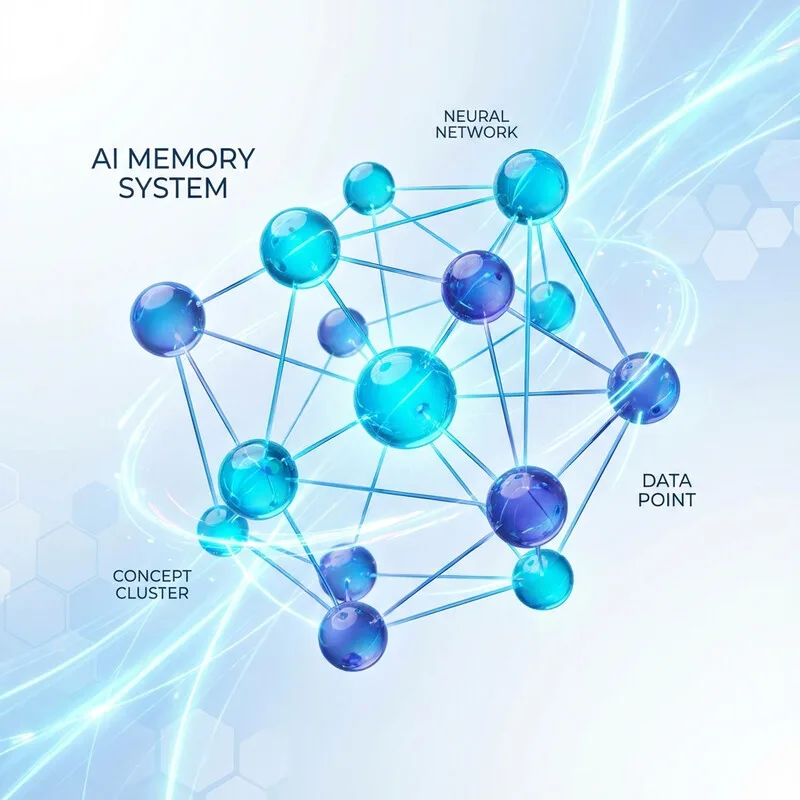
Overview
- Repository-scoped knowledge-graph memory.
- Stores context inside each project directory to avoid cross-project memory pollution.
- Keeps memory local, Git-friendly, and independent of a specific vendor or IDE.
Common Uses
- Keep project facts attached to one repository.
- Share project knowledge with teammates by committing .mcp/memory.json.
- Recover decisions, entities, and active task context after session resets.
Requirements
- Node.js >= 20
- npm >= 10.0.0
- An MCP-capable client such as Claude Desktop, Cursor, VS Code MCP plugins, Windsurf, Antigravity, Augment, or Roo Code.
Install
- 1shell
npx -y n2n-memory
Configure
- 1
Claude Desktop config path on Windows: %APPDATA%\Claude\claude_desktop_config.json
- 2json
{ "mcpServers": { "n2n-memory": { "command": "npx", "args": [ "-y", "n2n-memory" ] } } } - 3
Cursor / VS Code MCP settings: Name n2n-memory, Type command, Command npx -y n2n-memory.
Tools / Commands
- n2n_add_entities: create memory entities.
- n2n_add_observations: append observations or facts.
- n2n_create_relations: connect entities.
- n2n_read_graph: read project memory and active context with summaryMode and pagination.
- n2n_get_graph_summary: fetch a lightweight entity index with pagination.
- n2n_update_context: update current task status and next steps.
- n2n_search: keyword search with pagination.
- n2n_open_nodes: retrieve specific entities by name.
Resources / Settings
- Memory is stored at [Project Root]/.mcp/memory.json.
- The projectPath argument should be an absolute project-root path.
- The memory file is JSON and sorted for clean Git diffs.
FAQ
Frequently asked questions and troubleshooting guides.
It stores all knowledge-graph entities and observations in a local `.mcp/memory.json` file under each project's directory. Different directories have independent memory files, eliminating cross-project context pollution.
Yes, if you want to share workspace knowledge, conventions, and project-specific guidelines with your teammates. If it is for personal use, you can add `.mcp/` to your `.gitignore`.