
Public open-source project
N2N Post2Site
Draft and publish Markdown through a content-only website API without database or shell access.
Site owners and developers who want content drafting without database, shell, payment, or user access.
n2n-post2sitev0.1.0Project license in repositoryMCPContentPublishingAI Agent
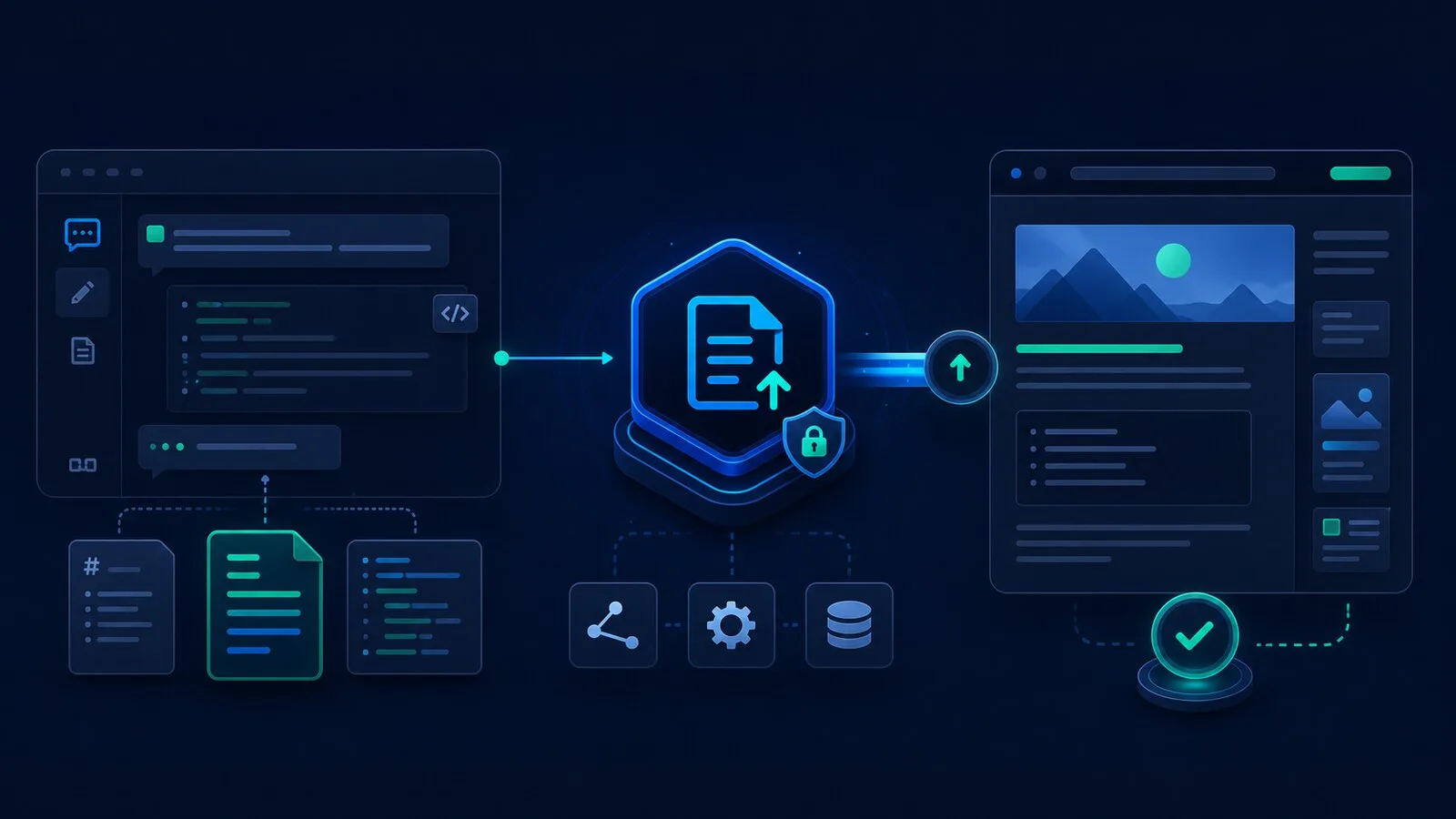
Overview
- Local MCP server for content publishing.
- Drafts and updates website articles without database, shell, payment, user, or infrastructure access.
- Keeps validation, storage, preview, and publishing rules on your website backend.
Common Uses
- Draft SEO articles, technical posts, changelogs, and product guides.
- Use a content-only bridge instead of broad admin credentials.
- Reuse one MCP client across multiple sites by changing only CONTENT_API_BASE_URL and CONTENT_API_KEY.
Requirements
- Node.js >= 22
- An MCP-capable client such as Claude Desktop, Cursor, VS Code MCP integrations, Windsurf, or Antigravity.
- A protected website API that accepts draft and publish requests.
- A site-scoped CONTENT_API_KEY.
Install
- 1
Clone git@github.com:n2ns/n2n-post2site.git
- 2shell
npm install - 3shell
npm run build
Configure
- 1
Set CONTENT_API_BASE_URL to your website content API, for example https://example.com/api/v1/mcp.
- 2
Set CONTENT_API_KEY to a content-only key for that site.
- 3json
{
  "mcpServers": {
    "n2n-post2site": {
      "command": "node",
      "args": [
        "/path/to/n2n-post2site/dist/index.js"
      ],
      "env": {
        "CONTENT_API_BASE_URL": "https://example.com/api/v1/mcp",
        "CONTENT_API_KEY": "change-me"
      }
    }
  }
}
Tools / Commands
- Check what the website allows before creating content.
- List existing posts or product guides.
- Create and update draft Markdown articles.
- Publish only after an explicit publish command.
Resources / Settings
- Your website keeps ownership of storage, preview, validation, and publishing rules.
- The MCP server only talks to the content API you configure.
- Product guides can be routed to the right product area by your backend.
- Article body fields use Markdown; titles and excerpts stay plain text.
FAQ
Frequently asked questions and troubleshooting guides.
No. It only sends content requests to the website API you configure. It does not need database, terminal, payment, user, or infrastructure access.
The check returns the content types, languages, publishing states, categories, and rules your website supports before content is created or updated.